
Volume 57 Issue 2
EMQ (Evangelical Missions Quarterly)
April–June 2021 | Volume 57 Issue 2
Download Issue or View Online Purchase Print Edition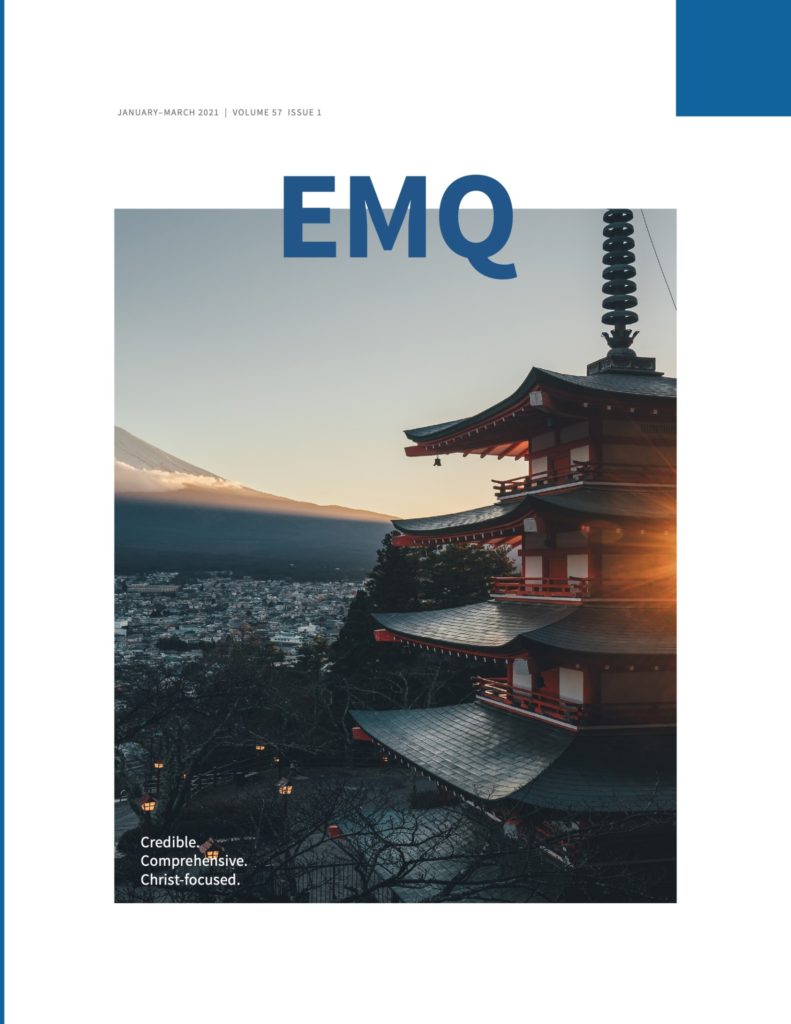
Editorial
“Go and Make Disciples of All Nations” –Jesus
By Marvin J. Newell
Articles
Why Discovery Groups?
By Steven Steinhaus
Transcultural Discipleship Entry-Points
By John Smith
Bridging Effective Instruction in “Brain Drained” Nations
By Andrew Tlucek
Media to Movements: A Disciple Making Movement Strategy
By Frank Preston
Making Disciples: Beyond Honour and Shame?
By Lewis Varley
Which Type of Cross-Cultural Disciple Maker Are You?
By Kim Zovak
A Response to “The Case for Denominationally Based Ministries Among Somalis”
By Ben I. Aram and Ya Sow Lij with Gary Corwin
Book Reviews
A History of Christian Conversion
By David W. Kling
The Oxford Handbook of Qur’anic Studies
Edited by: Mustafa Shah and Muhammad Abdel Haleem
Facing West: American Evangelicals in an Age of World Christianity
By David R. Swartz
Undivided Witness: Followers of Jesus, Community Development, and Least-Reached Communities
Edited by David Greenlee, Mark Galpin, and Paul Bendor-Samuel
Not Done Yet: Reaching and Keeping Unchurched Emerging Adults
By Beth Severson
Mission 3:16: God’s One-Verse Invitation to Love the World
By Paul Borthwick
Christian Education: A Guide to the Foundations of Ministry
Edited by Freddy Cardoza
Digital Life Together: The Challenge of Technology for Christian Schools
By David I. Smith, Kara Sevensma, Marjorie Terpstra, and Steven McMullen
24:14 A Testimony to All Peoples
Edited by Dave Coles and Stan Parks
A Hybrid World: Diaspora, Hybridity, and Missio Dei
Edited by Sadiri Joy Tira and Juliet Lee Uytanlet
The History of Christian Missions in Guangxi, China
By Arthur Lin
Missiographic
Diaspora in Greater Toronto Area
Unreached People in the New York Metro Area
Download
Downloads
Download ePub
EMQ Volume 57 Issue 2.epub (8 MB)
Download Mobi
EMQ Volume 57 Issue 2.mobi (2.4 MB)
Download PDF
EMQ Volume 57 Issue 2.pdf (4.5 MB)
To Send to Kindle by E-mail
If you own a Kindle, you can send EMQ to it by e-mailing the .mobi file to your Send-to-Kindle e-mail address ([name]@kindle.com). Your Send-to-Kindle e-mail address is a unique e-mail address assigned to each of your Kindle devices.
- Download the “.mobi” version of EMQ.
- Locate your Send-to-Kindle e-mail address, by visiting the Manage your Devices after logging into Amazon (Documents can only be sent to your Kindle devices or apps from e-mail accounts that you added to your Approved Personal Document E-mail List. To add an e-mail account, visit the Personal Document Settings on the Amazon website).
- Create an email, attach the “mobi” version of EMQ to it, and send it (it is not necessary to include a subject in the email).
- In a few moments EMQ should appear on your device.