
Volume 57 Issue 4
EMQ (Evangelical Missions Quarterly)
October–December 2021 | Volume 57 Issue 4
Download Issue or View Online Purchase Print Edition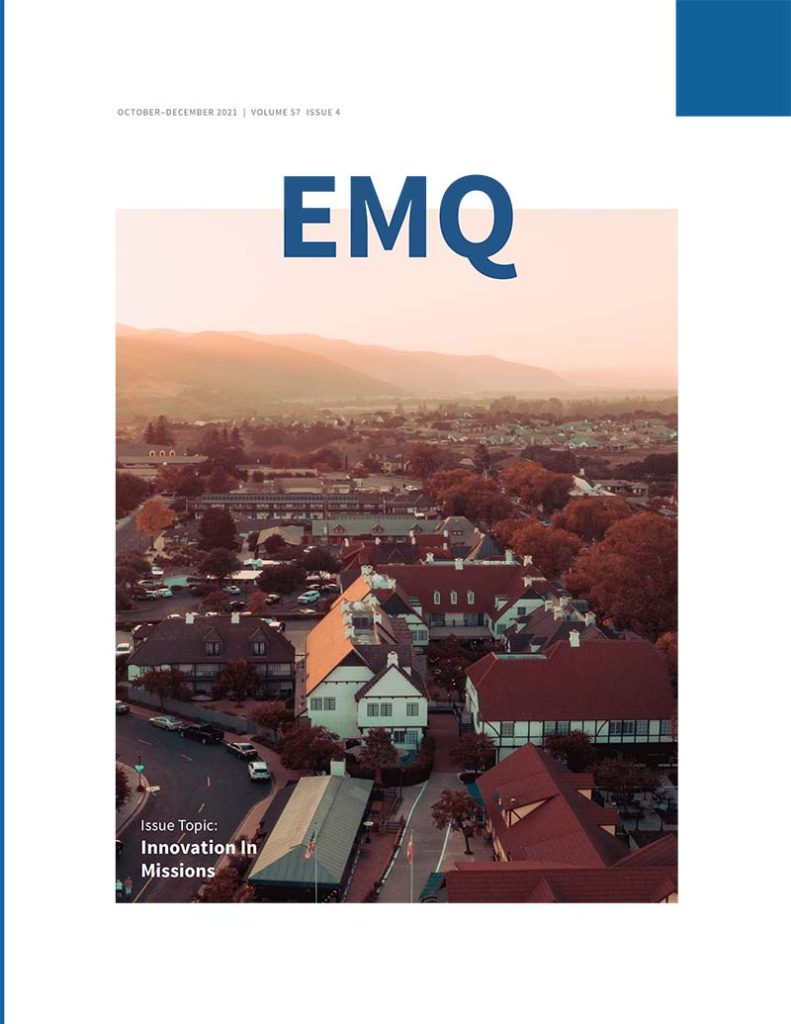
Editorial
Innovation in Missions Is Critical
By Marvin J. Newell
Articles
Innovation and the Field Missionary
By Ted Esler
Innovation With the Mind of Christ
By Brent McHugh
Issues of Identity and Platform in Bringing the Good News
By Ian Prescott
Golden Opportunities for the Prepared Global Professional
By Glenn Deckert
Business for Movements via Pioneer Business Planting
By Mary Ho and Vicky Warren
Broadening the Church’s Résumé
By Sharon R. Hoover
How Can Missionaries Work from Home?
By Julie Ma
Book Reviews
Salafism Goes Global: From the Gulf to the French Banlieues
By Mohamed-Ali Adraoui
Missional Theology: An Introduction
By John R. Franke
Wisdom from Babylon: Leadership for the Church in a Secular Age
By Gordon T. Smith
Lost Faith: A Practical Theology for Post-Christendom Ministry
By Seth Bouchelle
Fill the Earth: The Creation Mandate and the Church’s Call to Missions
By Matthew Newkirk
Charismatic Leadership and Missional Change: Mission-Actional Ministry in a Multiethnic Church
By Craig S. Hendrickson
Questions of Context: Reading a Century of German Mission Theology
By John G. Flett and Henning Wrogemann
Sharing Jesus without Freaking Out: Evangelism the Way You Were Born to Do It
By D. Scott Hildreth and Steven A. McKinion
A Survey of World Missions
By Robin Dale Hadaway
Christian Martyrdom: A Brief History with Reflections for Today
By Edward L. Smither
Missiographic
Diaspora in Greater Chicago
Unreached People in Greater Chicago
Download
Downloads
Download PDF
EMQ Volume 57 Issue 4.pdf
Download ePub
EMQ Volume 57 Issue 4.epub
Download Mobi
EMQ Volume 57 Issue 4.mobi
To Send to Kindle by E-mail
If you own a Kindle, you can send EMQ to it by e-mailing the .mobi file to your Send-to-Kindle e-mail address ([name]@kindle.com). Your Send-to-Kindle e-mail address is a unique e-mail address assigned to each of your Kindle devices.
- Download the “.mobi” version of EMQ.
- Locate your Send-to-Kindle e-mail address, by visiting the Manage your Devices after logging into Amazon (Documents can only be sent to your Kindle devices or apps from e-mail accounts that you added to your Approved Personal Document E-mail List. To add an e-mail account, visit the Personal Document Settings on the Amazon website).
- Create an email, attach the “mobi” version of EMQ to it, and send it (it is not necessary to include a subject in the email).
- In a few moments EMQ should appear on your device.